What's new in Count: a new look, automations and skills
Written by The Count Team
Explore Count’s redesigned workspace, schedule reports and alerts with automations, and teach the agent how your team works with reusable skills.
tl;dr: Three things launch today.
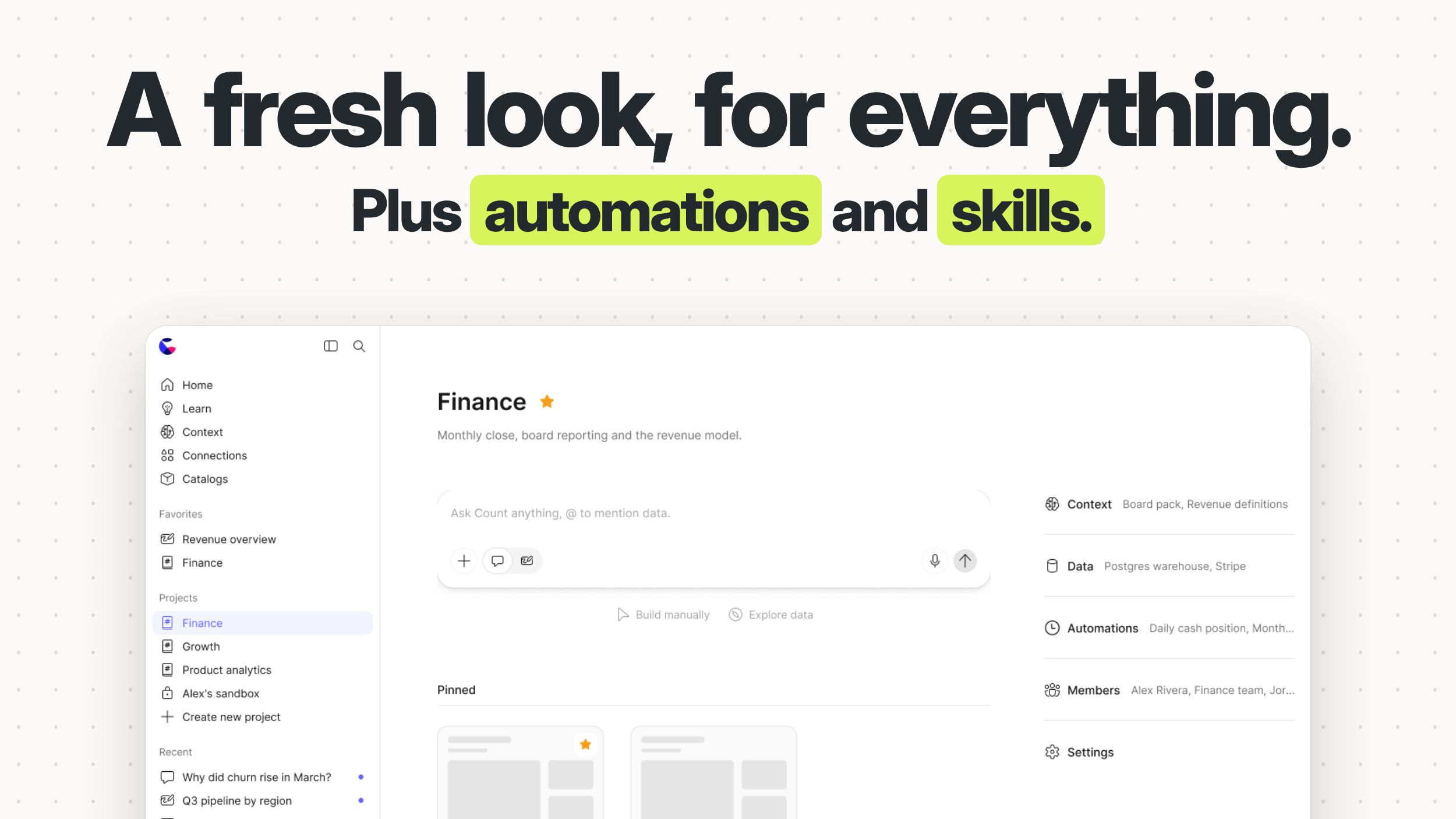
- A new look. The Count workspace has had a revamp. It's better organised and has a few nice additions that allow for customisation.
- Automations. Set the agent a prompt and a schedule and it runs on its own, then alerts results via Slack or email.
- Skills. Folders of instructions and files that teach the agent how your team likes things done, loaded only when a task needs them.
A fresh new look
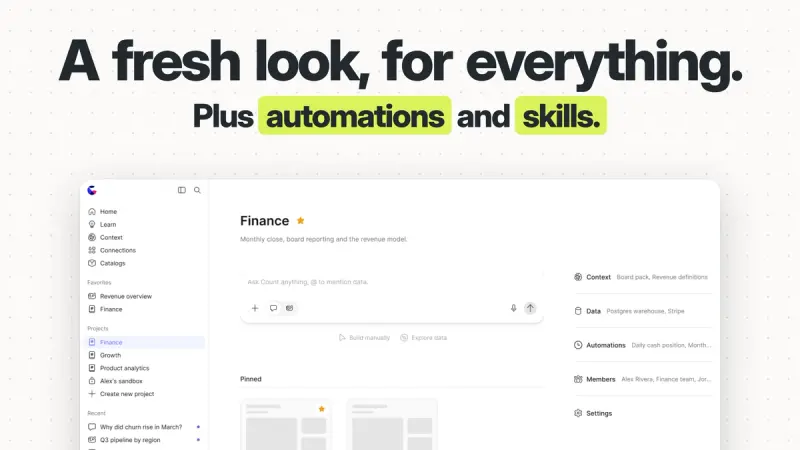
We have organised the workspace to better suit how we and our customers are using Count now.
- You will notice the side panel has been reorganised.
- Your recent canvases show whether the agent is still working, all done, or waiting on you, so you can tell at a glance which ones need you.
- Workspace admins can pin canvases to the home page, so the important stuff is the first thing everyone sees.
- You can star the canvases you use most, and they sit in your favourites in whatever order you like.
- Project homepages also now show context, data, automations, members and settings all in one place, making it easier to check and adjust how your projects have been set up.
Automations
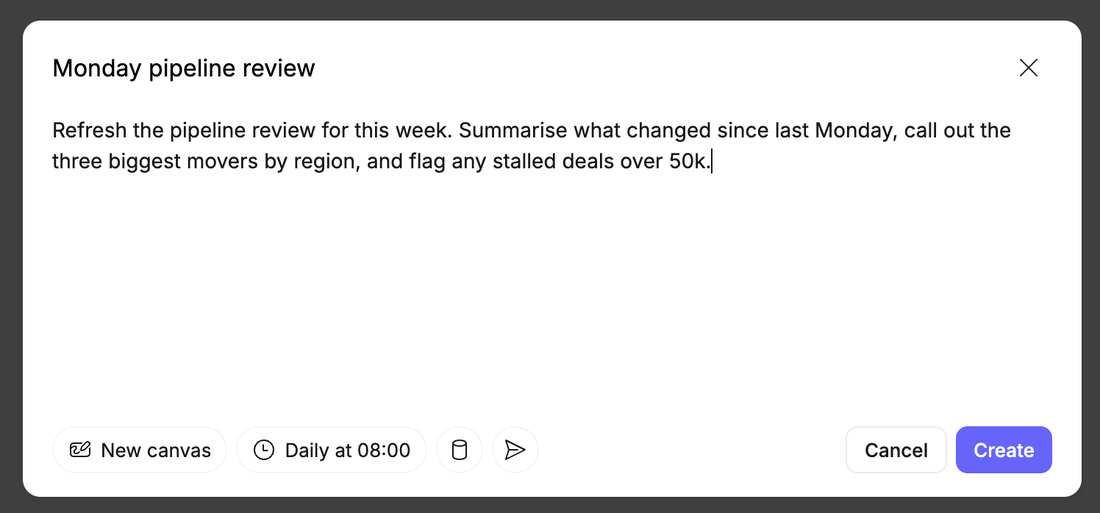
An automation is an agent prompt with a schedule. The agent runs it on its own, builds the result in a canvas, and tells people about it afterwards.
A few things you could set up:
- The Monday pipeline review, rebuilt before the meeting, with this week set against last.
- A morning metric check that only pings you when something looks off.
- The month-end write-up, drafted on the first of the month, so the conversation starts from a first draft instead of a blank page.
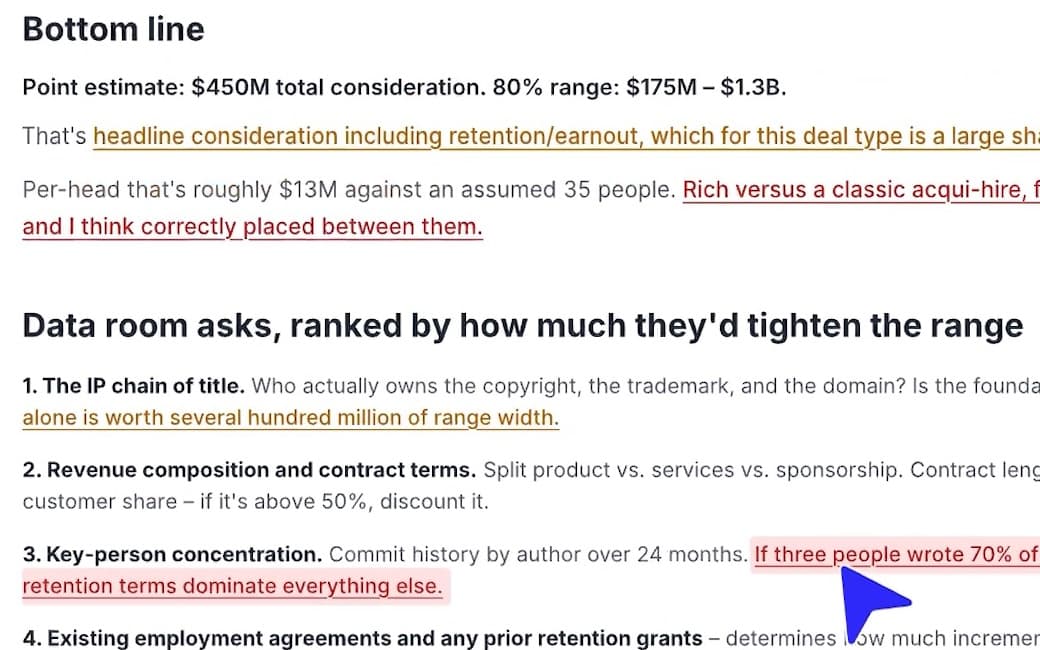
- A weekly "what changed?". The agent can see its earlier runs, so it knows what "changed" means.
When it's done, it can send a summary to Slack or email with a screenshot of what it built, including a link to the Count canvas. Point it at the same canvas every time for one report that stays current, or at a fresh copy each run to build up a history you can look back through.
The detail (schedules, permissions, what a run can do) lives in the docs.
Skills
Better context makes a more accurate agent. But context isn't free: models get worse as the input gets longer, even when they can find everything they need. Every line you add is a line the agent reads, and pays for, every time.
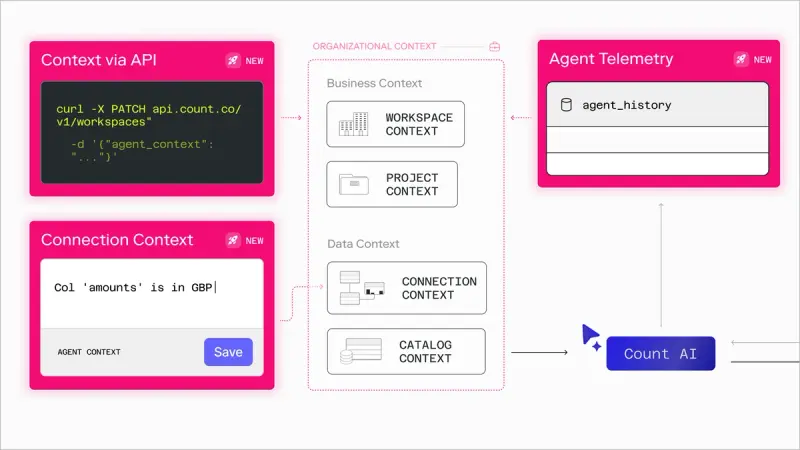
Count helps by letting you put context where it matters. You can set it at the workspace, connection, catalog and project level.
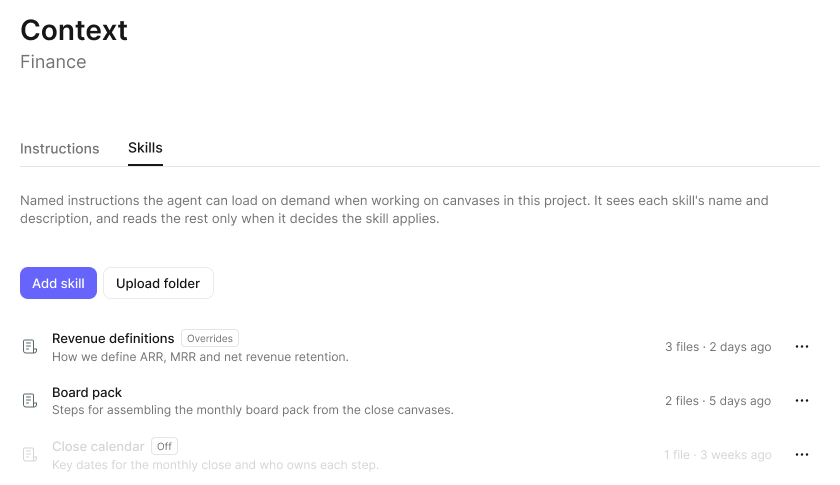
Now skills go a step further. They teach the agent how your team likes things done, but it is only loaded by the agent when a task needs them.
What makes an effective skill?
A skill is a recipe for one job. It is a folder of short instructions, with scripts and example files if you want them. "How we build a retention heatmap" is a skill. So is "how our reports are laid out".
The agent always sees each skill's name and description, and nothing else. It opens the full instructions only when a task is relevant. That is why a collection of skills doesn't negatively impact the agent in the same way that context bloat might.
The name and description
The description is the sales pitch, so write it as a trigger: what the skill does, then when to use it. And if you can't explain it succinctly, split it.
- Weak: "Helps with marketing reports."
- Better: "Writes up marketing results in the team's format. Use when someone asks for a marketing report or campaign summary."
The content
The agent already knows how to do a lot of things, including analyse data. What it doesn't know is how your business does it: which revenue figure counts, what a finished report should look like. Think of the agent as a great cook: it doesn't need a cooking lesson, but it will still reach for a cookbook when required.
A skill can also carry files. One might show how you calculate something, such as the SQL behind your definition of churn, or a Python snippet that works out fiscal weeks. The agent reuses it instead of working it out afresh each time. Another might be an example of the output: a finished report shows the format, and the shape of the answer, better than a page describing it.
Making and testing a skill
Asking the agent to turn a finished task into a skill gives a decent first draft, which you can further refine yourself. If you want to build a skill for wider use, open up a couple of canvases and compare agent outputs with and without the skill on the same question. Every save is kept, so you can go back to an earlier version, and a skill that proves useful can be moved up to the workspace.
Context vs skills
Context is what the agent should always know. Your fiscal calendar, your date and currency formats, what "customer" means in this project. It is read on every question, so it needs to be short and always true.
The line is fuzzy. Context can contain instructions, and a skill can contain reference material. The best test is whether every question needs it (context) or only some jobs (skill).
Everything through the API and MCP
Context, skills and automations can all be read and written through the public API and the Count MCP server, so your own agent or sync script can manage them. A skill folder uses the same layout as other agent tools, so skills you already have can go straight in, and every change is saved as a version.
We hope you enjoy these new features!