Introducing @Count for Slack: your data in the conversation
Written by The Count Team
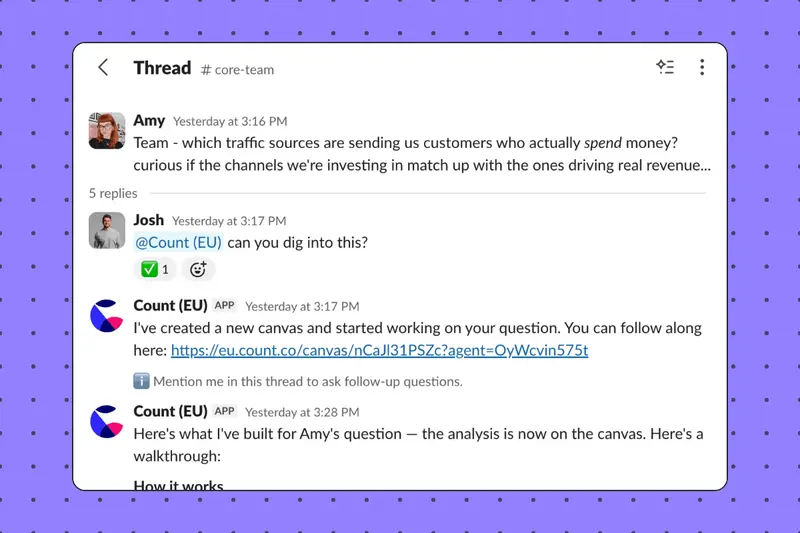
Bring live data into Slack conversations. Ask @Count in any channel and get instant answers, charts, and a canvas to go deeper—without leaving the thread.
There's a discussion about the pipeline slowdown in #revenue. Others add context and bring their own observations to the thread. A theory emerges: a specific segment worth investigating, a pattern that might explain it. Someone offers to look at the numbers and the conversation moves on. By the time the data arrives, the moment has passed.
The gap between where we talk and where we analyse has always been there. It's the cost of having insight live somewhere other than where decisions are being made.
Count was built to close that gap
When we designed Count, we made a deliberate choice: analysis shouldn't happen in isolation. The canvas is collaborative by design — think, build, question, and share in the same place. Insight and conversation belong together.
That still stands, but there's a moment we couldn't reach.
Some of the most valuable questions don't start in a data tool. They come up in conversation, when different perspectives and domain knowledge combine, or a throwaway comment turns into the right question. That moment was always upstream of us.
We built conversation into Count. Now we're bringing Count into the conversation.
Count is now in Slack
At some point your organisation decided that working together in the open was better than forwarding email chains. Slack is where your team is most alive and your data should be there too.
Mention @Count in any channel or thread, ask your question in plain language, and Count posts back in the thread: an answer, a chart, suggested follow up questions, and a link to the live canvas where anyone can go deeper. Follow-up questions work in the thread and the canvas is always there when you need it.
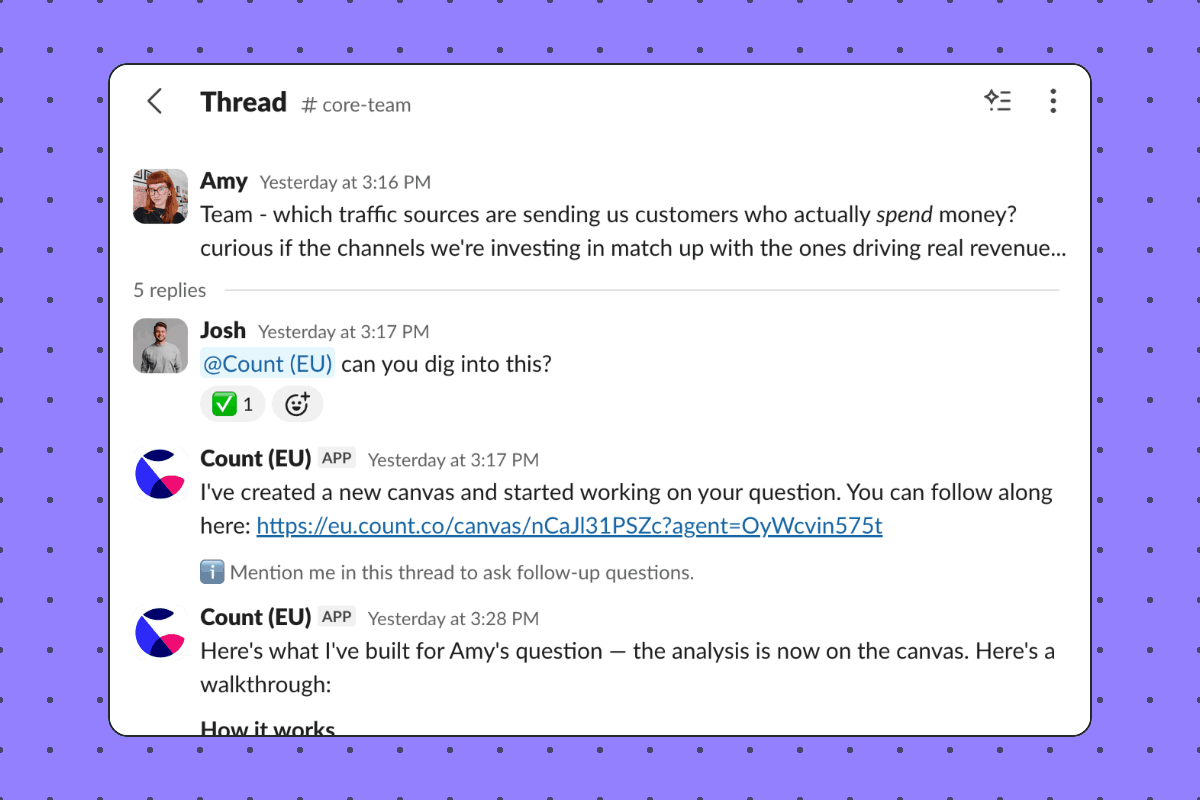
Questions that would previously have needed a ticket or a context switch now just get answered. Here are a few ways that looks in practice:
- Someone tags @Count mid-thread and gets a quick answer or number. Others in the thread can follow up or take it in a different direction, all without leaving Slack.
- A deeper question gets a fuller response: what's happening, why it's happening, and what's driving it. Enough to move the conversation forward without anyone having to go and pull a report.
- A question gets asked, Count returns an initial analysis, and an analyst in the channel decides it's worth exploring further in Count. They open the canvas and pick up where the conversation left off.
Who can ask
To interact with @Count in Slack you need an analyst seat. Your Slack user is linked to your Count user, so the same data access and permissions apply as if you were working in Count directly.
We're seeing more teams give wider access to Count as they roll out the agent, bringing in business users who want answers without needing to run analysis themselves. For those teams, Slack makes that even more natural. If broader access is something you're working towards, the Slack integration may be a good place to start.
Asking in public is the point
When @Count responds in a channel, the question and answer are visible to everyone there. The people who know the data and your business best are already in the channel and they can question it or build on it. That's a more natural review layer than any formal process.
It also means the data team can see what the organisation is actually asking, which is useful signal for knowing where the data needs work and where the agent's context can improve. And when someone asks a question and gets a powerful answer, the whole channel sees that too. That's how new habits spread and we learn to leverage AI together, not through training programmes, but through watching someone do something useful in a place everyone's already looking.
Slack is the moment. Count is what you make of it.
Conversations move on and threads get buried. What lives in Count is permanent: an artefact that can be extended, built on, and referenced when decisions get made. When the question gets interesting and deserves more, that's when you open the canvas.
Slack and Count aren't competing for the same job. They serve different moments in the same workflow and now they're connected.
Getting started
Connect Slack from your Count account settings, invite @Count to a channel, and start asking. You can map channels to projects so Count always knows where to work from, and ask follow-ups in the same thread to go deeper.
Read more in our docs here.
This is part of how we think about where Count is heading. Alongside our recent API and MCP server, @Count for Slack is another way to put data into decisions wherever your team is working. The canvas is always there behind it — auditable, collaborative, and ready to go deeper when you need it.
Your team already works in Slack. Now your data does too.